
Sub-Total: $0.00

October 13, 2026
The Growth of Indoor Golf Businesses: What It Takes to Build a Commercial Simulator Facility
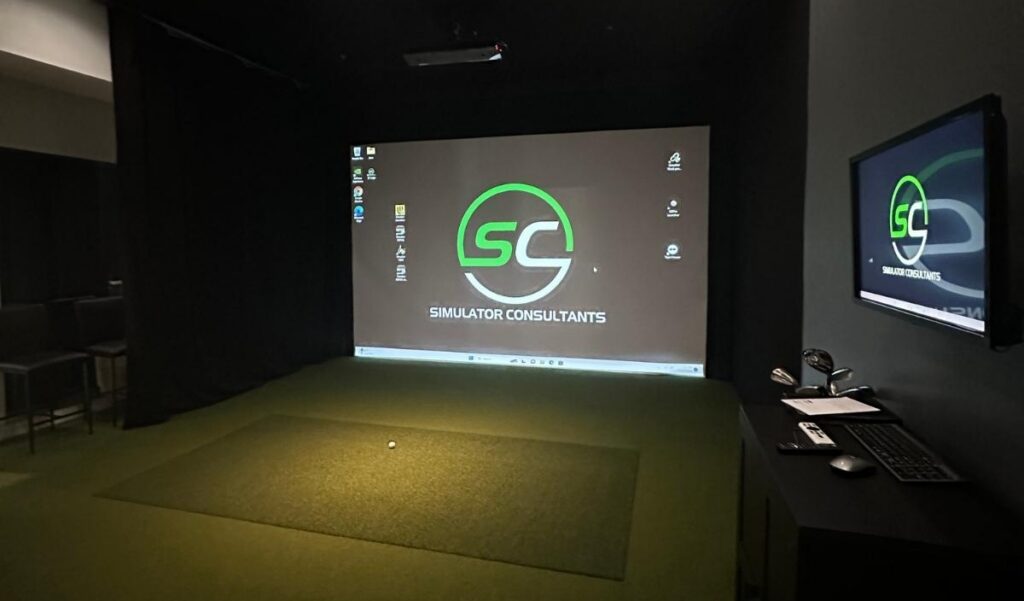
The Growth of Indoor Golf Businesses: What It Takes to Build a Commercial Simulator Facility
Indoor golf gives players a way to practice, play virtual courses, and compete with friends regardless of outdoor weather. For business owners, it also creates opportunities to build a golf-focused entertainment venue, expand an existing facility, or add a new revenue stream to a hospitality or recreation business.
But opening a successful indoor golf facility involves much more than purchasing a few launch monitors. The room layout, technology, customer experience, operating costs, and business model all affect whether the investment makes sense.
If you’re considering opening an indoor golf business, here’s what to plan before committing to a space or equipment package.
Step 1: Define Your Business Model
Start by deciding what kind of experience you want to offer. Your business model will influence the facility layout, simulator equipment, staffing, pricing, and software requirements.
Simulator Rental Facility
A rental-based facility charges customers by the bay and by the amount of time they book. Customers may come to practice, play virtual courses, or spend time with friends.
This model depends on convenient booking, reliable equipment, a comfortable environment, and enough demand to keep bays occupied during profitable hours.
Membership Club
A membership model offers recurring access in exchange for monthly or annual fees. Depending on the concept, members may receive booking privileges, discounted bay time, leagues, or other benefits.
Memberships can help create predictable revenue, but capacity must be managed carefully. If too many members compete for the same popular time slots, the experience can suffer.
Golf Instruction and Fitting
Teaching professionals and club fitters may use simulators to provide lessons, analyze performance, and conduct equipment fittings. These businesses often prioritize accurate data, detailed software, and equipment suited to their specific services.
Bar, Restaurant, or Entertainment Venue
A golf simulator can complement food and beverage service, corporate events, parties, and group entertainment. In this model, the simulator is part of a broader customer experience rather than the only reason people visit.
The layout must account for circulation, seating, staff access, noise, food service, and separation between golfers and spectators.
Step 2: Choose the Right Location and Space
The property you choose can determine how much of your startup budget goes toward construction instead of equipment.
Before signing a lease or purchasing a building, confirm that the space can accommodate the number of bays you want, along with safe walkways, seating, storage, restrooms, and any other customer amenities.
Each bay needs enough room for the screen, hitting area, golfer’s swing, launch monitor, and supporting equipment. Allow additional space for customers entering and exiting the bay, changing golfers, and moving between bays.
Don’t design the floor plan by dividing the building’s square footage by a standard bay size. Some of the space must be reserved for shared areas and building infrastructure.
Also review ceiling height, columns, HVAC equipment, electrical service, internet access, fire and building requirements, accessibility, and the cost of finishing the interior.
A site that looks affordable at first may require significant improvements before it is ready to operate.
Step 3: Plan the Bays Before Selecting Launch Monitors
Launch monitors should be selected based on how the facility will operate.
For a commercial environment, consider:
- Ease of use: Can customers start a session without extensive staff assistance?
- Handedness: Can right- and left-handed golfers share a bay without moving the monitor?
- Data and accuracy: Does the system provide the information needed for your business, whether for casual play, coaching, or club fitting?
- Durability: Is the equipment suitable for frequent use by a wide range of customers?
- Software compatibility: Does it support the courses, practice features, and multiplayer experience you want?
- Service and support: Who handles technical issues, repairs, and replacement parts?
Overhead launch monitors can be especially practical in busy venues because they keep the floor area clear and can accommodate different golfers without moving the sensor. Floor-mounted units may work for certain layouts, but the repositioning required for different handedness can slow down customer turnover.
The best choice depends on your space, operating model, and customer expectations.
Step 4: Understand Commercial Software Licensing
Software is a critical part of the experience. Customers may expect realistic course play, practice ranges, games, leagues, or multiplayer functionality.
However, a software license intended for residential use may not authorize use in a business where customers pay to play. Commercial licensing terms, fees, and permitted uses vary by provider.
Before purchasing equipment, confirm that the launch monitor and software support your intended commercial use. Ask about the cost per bay, subscription requirements, course access, updates, and whether the license covers public play, lessons, events, or other services you plan to offer.
These recurring expenses belong in your operating budget from the beginning.
Step 5: Design an Experience Customers Want to Repeat
Technology brings people through the door, but the overall experience influences whether they return.
Think about what customers see and experience from arrival to checkout. Is booking simple? Can new golfers understand the controls? Is there enough seating for friends who aren’t hitting? Can staff quickly resolve a technical issue?
Useful features may include:
- Comfortable seating and tables
- Clear instructions for first-time users
- Easy-to-use booking and payment systems
- Food and beverage service where appropriate
- Leagues, tournaments, and group events
- Reliable Wi-Fi and software
- A clean, organized environment
- Convenient club storage and rental equipment
Acoustics and lighting also matter. Several simulators running at once can create a noisy environment, while poor lighting can affect the projected image and the feel of the room.
Designing the space around actual customer behavior can be just as important as choosing the launch monitors.
Step 6: Plan Revenue Beyond Hourly Rentals
Hourly bay bookings can be the foundation of a business, but additional services may help diversify revenue.
Potential offerings include:
- Recurring memberships
- Leagues and tournaments
- Corporate events and private parties
- Golf lessons and club fitting
- Equipment rentals
- Food and beverage sales
- Gift cards and seasonal promotions
- Youth programs and beginner clinics
Choose services that fit your location and customer base. A facility built around serious practice may have different priorities from one focused on parties and entertainment.
Step 7: Work With an Installer Early
An installer can help evaluate the proposed floor plan before the construction budget is finalized. That review can identify problems with bay dimensions, ceiling height, screen placement, wiring, lighting, and equipment selection while changes are still relatively easy to make.
Ask prospective installation partners about commercial project experience, equipment options, licensing considerations, installation scope, service arrangements, and coordination with your general contractor.
A detailed plan should identify what the installer supplies, what the contractor completes, and what must be ready before equipment installation begins.
Start With a Facility Plan
Simulator Consultants designs and installs golf simulator systems for commercial venues and other businesses. We can help evaluate bay layouts, equipment options, and installation requirements as you plan your facility.
Planning an indoor golf business? Contact Simulator Consultants to discuss your building, bay layout, and simulator installation needs.
Frequently Asked Questions
How many simulator bays should an indoor golf facility have?
There isn’t one ideal number. The right size depends on the building, local demand, startup capital, staffing, and the business model. A smaller facility may be easier to manage, while a larger one may support more events and customers if demand is sufficient.
How much does it cost to open an indoor golf simulator business?
Costs depend on the property, number of bays, construction requirements, equipment, and amenities. A facility that needs major renovation will have a different budget from one using an existing, appropriately finished space. Obtain separate estimates for construction and simulator installation.
Which launch monitors are best for commercial use?
The best system depends on whether your customers primarily want entertainment, practice, instruction, or club fitting. Compare commercial licensing, ease of use, handedness, support, data capabilities, and compatibility with your planned software.
Can a golf simulator business operate without staff on-site?
Some venues use self-service booking and access systems, but the appropriate model depends on security, customer support, building requirements, and how equipment problems will be handled. Plan for maintenance and customer assistance even if the venue is not continuously staffed.
Should I plan the building before buying equipment?
Yes. The building dimensions and layout can rule out certain systems or require costly changes. Evaluate the property and design the bays before committing to equipment purchases.
Posted in Custom Installation
Recent Posts
Let's Get Started
Meet Our team
From your first call to the final install, you'll be working directly with the team building your space and sourcing your equipment.
Request Custom Installation
“*” indicates a required field.