Sub-Total: $0.00

November 16, 2026
Playing Famous Golf Courses from Home: How Golf Simulator Technology Works

Playing Famous Golf Courses from Home: How Golf Simulator Technology Works
Imagine playing Pebble Beach, St Andrews, or another famous golf course without leaving home. Modern golf simulators make this possible by combining launch monitor technology, simulation software, and high-quality projection to bring virtual courses into your home.
A home golf simulator offers more than a screen to hit balls into. It allows you to play full rounds, explore courses from around the world, practice, and enjoy golf year-round. If you’re considering adding one to your home, understanding how the technology works can help you choose the right equipment and software for your space.
How Do Golf Simulators Recreate Real Golf Courses?
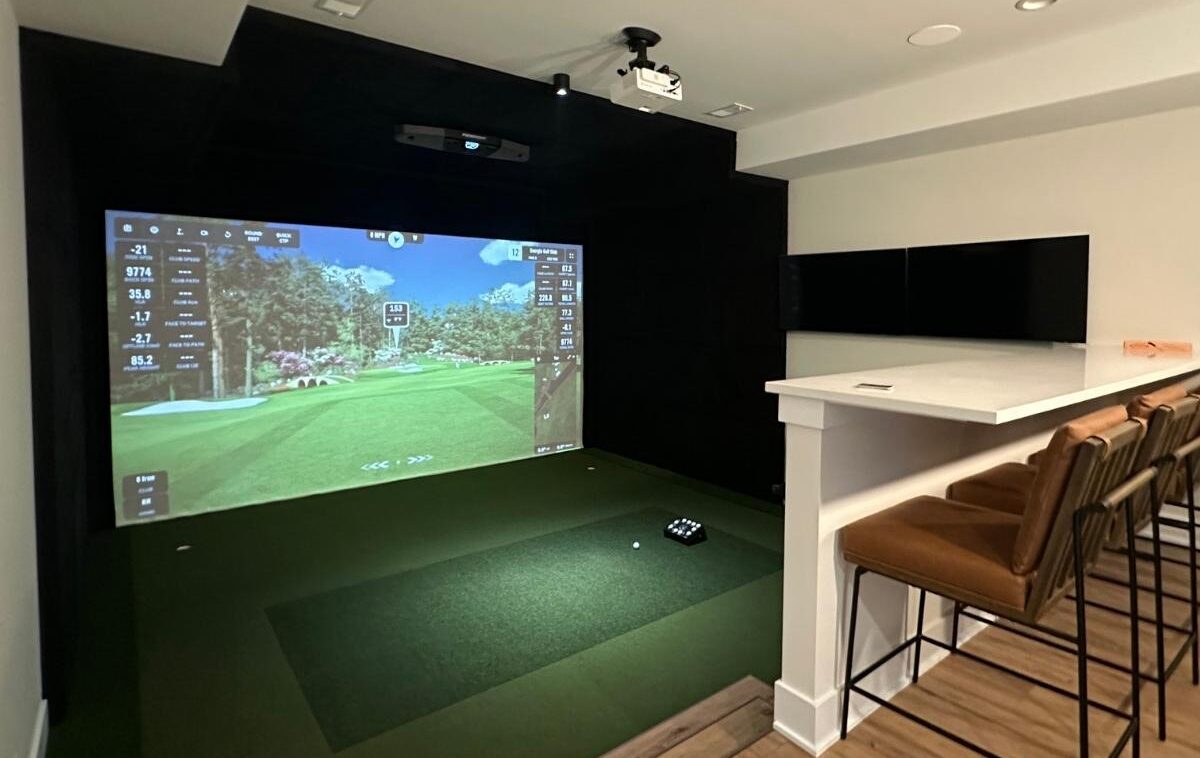
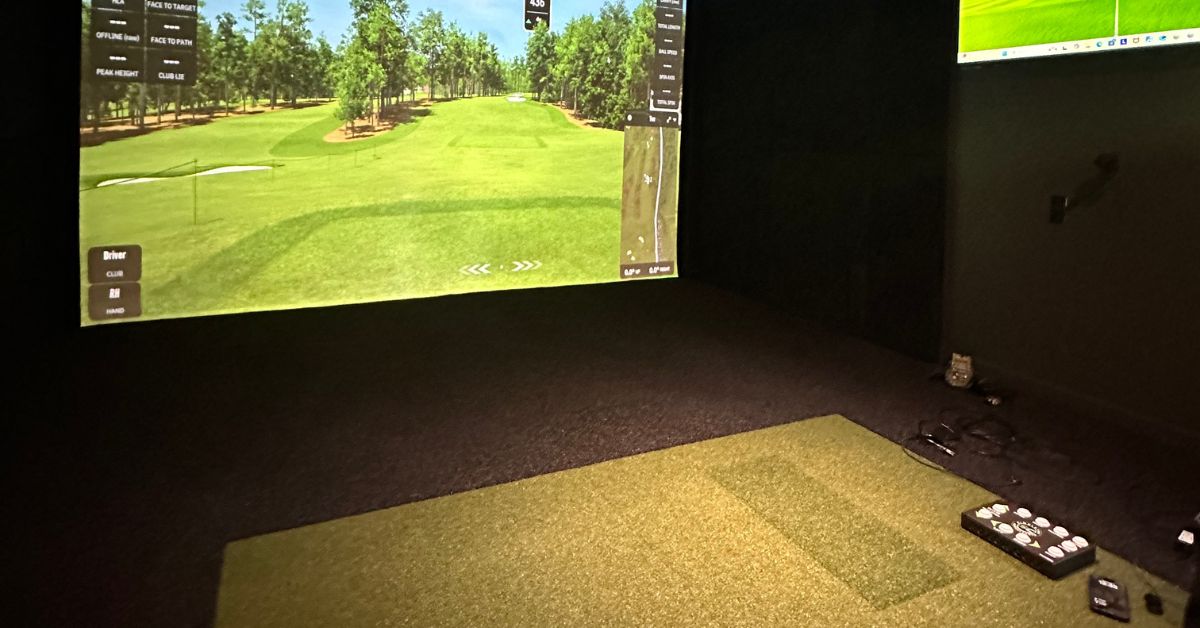
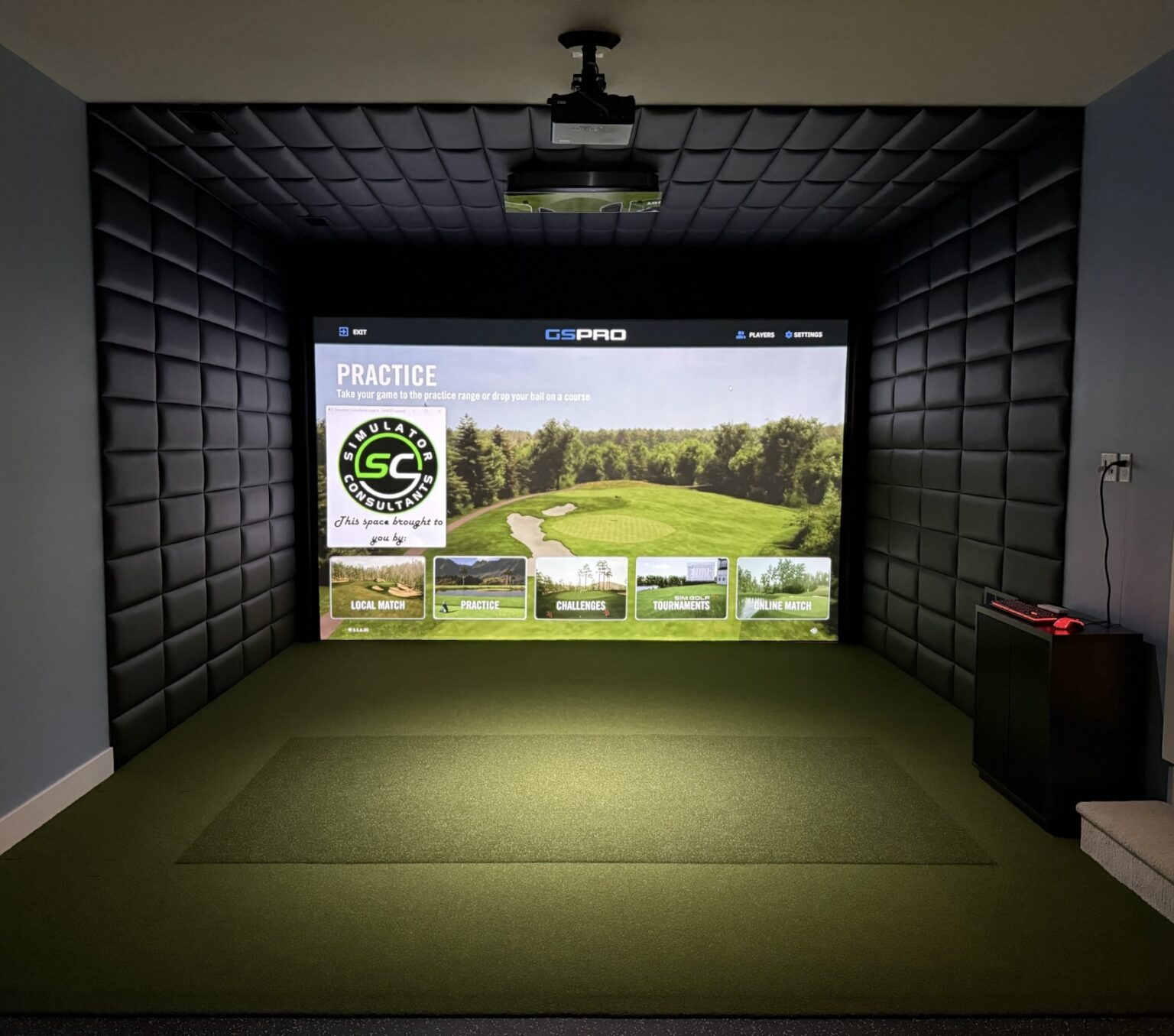
A golf simulator brings together three main components: a launch monitor, simulation software, and a projector with an impact screen.
The launch monitor tracks each shot, measuring information such as ball speed, launch angle, spin, and direction. That data is sent to the simulation software, which calculates the ball’s flight and determines where it lands on the virtual course.
The projector displays the course on an impact screen, allowing you to see each shot and move through the round. Screen size, image quality, and projector placement all contribute to the overall experience.
While the launch monitor tracks your shots, the software is what turns that information into a playable round of golf.
How Are Real Golf Courses Turned Into Virtual Golf Games?
One of the most interesting parts of golf simulator technology is how an actual golf course becomes a playable digital version. Developers use real-world measurements, detailed imagery, and 3D modeling to recreate a course’s layout and features.
Mapping and Scanning the Course
The process starts with collecting information about the actual property. Developers need to capture the course layout, elevation, and individual features before building its digital counterpart.
Technologies such as LiDAR (Light Detection and Ranging) use laser measurements to capture detailed information about the landscape. Drone photography, aerial imagery, photogrammetry, and course surveys can also help document the property.
This information is used to recreate details such as:
- Fairway shapes and boundaries
- Green contours and putting surfaces
- Bunkers, sand traps, and water hazards
- Trees and surrounding landscape
- Hills, slopes, and elevation changes
Building the Virtual Course
Once the information has been collected, developers use specialized 3D modeling tools to construct the digital course. Measurements help shape the terrain, while textures, lighting, scenery, and other visual details make the environment look more like the real location.
Turning the Course Into a Playable Game
The completed digital course is incorporated into simulation software using game development technology. Game engines, such as Unity, help render the scenery, lighting, and course environment.
The software also uses golf physics calculations to determine how the ball travels and reacts to different surfaces. When a golfer takes a shot, the launch monitor sends the measured data to the software, which uses it to simulate the result.
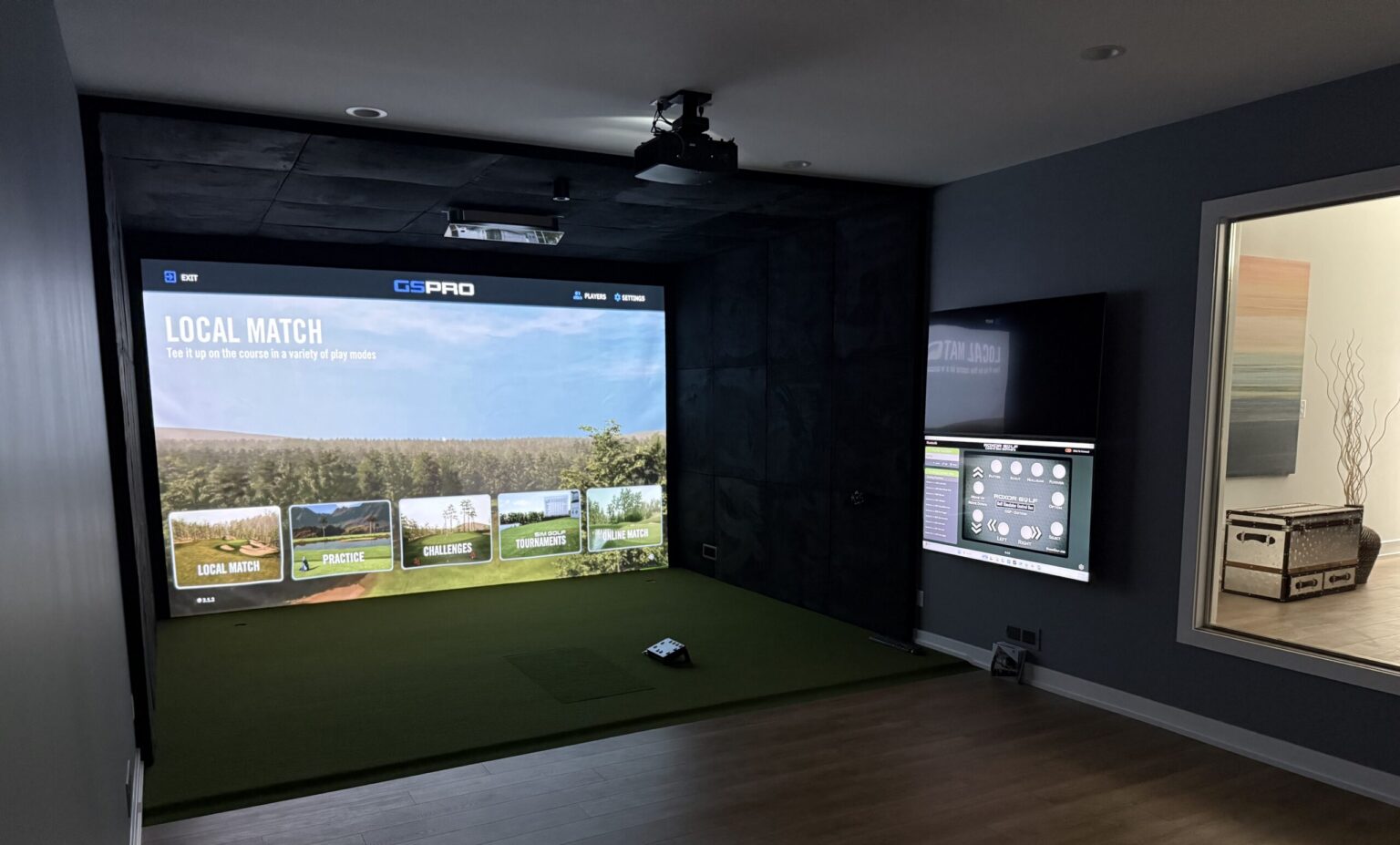
For example, GSPro uses the Unity game engine and offers realistic ball physics, online play, and a large library of community-created courses.
What Golf Courses Can You Play on a Home Simulator?
One of the biggest attractions of owning a golf simulator is having access to courses you might not otherwise have the opportunity to visit. Depending on the software, you can play well-known championship venues, famous resort courses, and layouts from around the world.
Each platform has a different course library. Here are a few examples of recognizable courses available through popular simulator software:
TrackMan Virtual Golf
TrackMan features a large library of professionally recreated courses, including well-known destinations such as:
- Pebble Beach Golf Links
- St Andrews Old Course
- Medinah Country Club
- Spyglass Hill Golf Course
TrackMan is worth considering if playing recognizable championship and resort courses is a priority. You can explore its virtual golf course library.
GSPro
GSPro offers more than 2,500 community-created courses, along with a selection of officially partnered venues. Examples listed through its course library include:
- Tobacco Road Golf Club
- Conway Farms Golf Club
- The Bull at Pinehurst Farms
- The Hills Course
Its community course library is a major draw for golfers who enjoy having a wide variety of layouts to choose from. These community-created simulations are not necessarily officially licensed or affiliated with the real-world courses. Browse the GSPro course library.
Uneekor
Uneekor offers its own software options, including GAMEDAY, which features courses such as:
- Pebble Beach Golf Links
- The Links at Spanish Bay
- The Hay at Pebble Beach
- Rams Hill Golf Club
Uneekor also supports select third-party software, giving users additional course options depending on their launch monitor and software setup. Explore Uneekor’s virtual golf courses.
Foresight Sports FSX Play
Foresight’s FSX software offers a variety of courses, including several recognizable golf destinations:
- St Andrews Old Course
- Spyglass Hill Golf Course
- Whistling Straits – Straits Course
- Royal Troon Old Course
- The Olympic Club – Lake Course
Additional courses can be purchased separately, depending on the software package. View the Foresight course library.
Course availability, licensing, and software requirements can change, so it’s worth checking each provider’s current library before making a purchase. If you have a few specific courses in mind, that can help narrow down which software is best suited to your home simulator.
What Makes One Golf Simulator Software Different From Another?
The software you choose has a major influence on what you can do with your simulator. Beyond course selection, platforms vary in their graphics, practice features, online capabilities, and performance tracking.
Here are a few things worth comparing:
Course Selection: Some platforms focus on professionally licensed courses, while others offer larger community-created libraries. Consider whether the courses you want to play are available.
Graphics and Realism: Terrain details, lighting, scenery, and course accuracy all contribute to the visual experience.
Online Play: Certain platforms allow golfers to play with friends remotely, participate in online leagues, or compete in tournaments.
Practice and Performance Tracking: Many options include driving ranges, shot analysis, and tools for tracking performance in addition to full rounds of golf.
Compatibility and Subscription Costs: Not every launch monitor works with every software platform. Some systems include software with the equipment, while others require separate purchases or ongoing memberships.
Choosing software based on how you plan to use your simulator can help you avoid paying for features you don’t need or missing out on ones you want.
Choosing the Right Launch Monitor for Your Home Simulator
The launch monitor is responsible for tracking your shots and providing the data used by the simulator software. Different systems use different technologies to measure ball and club information, which can affect accuracy, placement, and room requirements.
Some launch monitors sit behind the golfer, others beside the hitting area, and some mount overhead. Each design has different space requirements and advantages.
When comparing options, consider:
- Whether you want ball data only or more detailed club data
- How much room is available behind or beside the hitting area
- Whether you prefer a floor-mounted or overhead system
- Which simulator software you want to use
- Whether the system supports both right- and left-handed golfers
- Any additional software or membership costs
As independent installers, we can help compare these options based on your space and intended use rather than limiting recommendations to one manufacturer.
Bring the World’s Golf Courses Home
A home golf simulator makes it possible to experience some of the world’s most recognizable courses without leaving home. With options ranging from casual virtual rounds to detailed course simulations and online competition, there are systems suited to different playing styles and budgets.
The best setup starts with choosing equipment and software that work together and fit the space you have available. Whether you’re looking to play famous courses, improve your game, or create an entertainment space for family and friends, the right design can make a home simulator a worthwhile addition.
At Simulator Consultants, we design and install custom golf simulator spaces built around your room, budget, and playing preferences. As independent installers, we work with different launch monitor and software options to help you find the right setup for your needs.
Ready to bring the golf course home? Contact Simulator Consultants to discuss your space and explore your options.
Frequently Asked Questions
Can you play famous golf courses on a home golf simulator?
Yes. Many simulator software platforms offer digital versions of famous courses. Availability depends on the provider, and some courses may require additional purchases or subscriptions.
How are real golf courses turned into virtual golf courses?
Developers use technologies such as LiDAR scanning, drone photography, photogrammetry, and course survey data to collect information about the actual property. This information is used to recreate the course’s layout, terrain, elevation, and individual features digitally.
Do all golf simulators offer the same courses?
No. Course libraries vary between software providers. Some platforms offer professionally licensed courses, while others include community-created layouts. Checking availability is important when comparing systems.
Do you need a specific launch monitor to play virtual golf courses?
Not necessarily. Different launch monitors work with different software platforms, so it’s important to check compatibility before choosing your equipment.
Are golf simulator courses realistic?
Modern software can recreate course layouts, terrain, bunkers, water hazards, and green contours. The overall experience also depends on launch monitor accuracy and display quality.
Do golf simulator software programs require a subscription?
Some platforms require annual memberships or subscriptions to access certain courses and features, while others offer different purchase options. Costs and included features vary by provider, so it’s worth reviewing ongoing software expenses before purchasing a system.
Can multiple people play a round together?
Yes. Many platforms support multiplayer rounds, allowing friends and family to play the same course together. Some also offer online competitions and tournaments.
Can playing virtual courses help improve your golf game?
Yes. Virtual rounds can help golfers work on distance control, shot selection, and course management. Launch monitor data can also provide useful feedback on performance.
Posted in Custom Installation
Recent Posts



Let's Get Started
Meet Our team
From your first call to the final install, you'll be working directly with the team building your space and sourcing your equipment.
Request Custom Installation
“*” indicates a required field.