
Sub-Total: $0.00

November 16, 2026
More Than Golf: What Else Can You Do With a Custom Golf Simulator?

More Than Golf: What Else Can You Do With a Custom Golf Simulator?
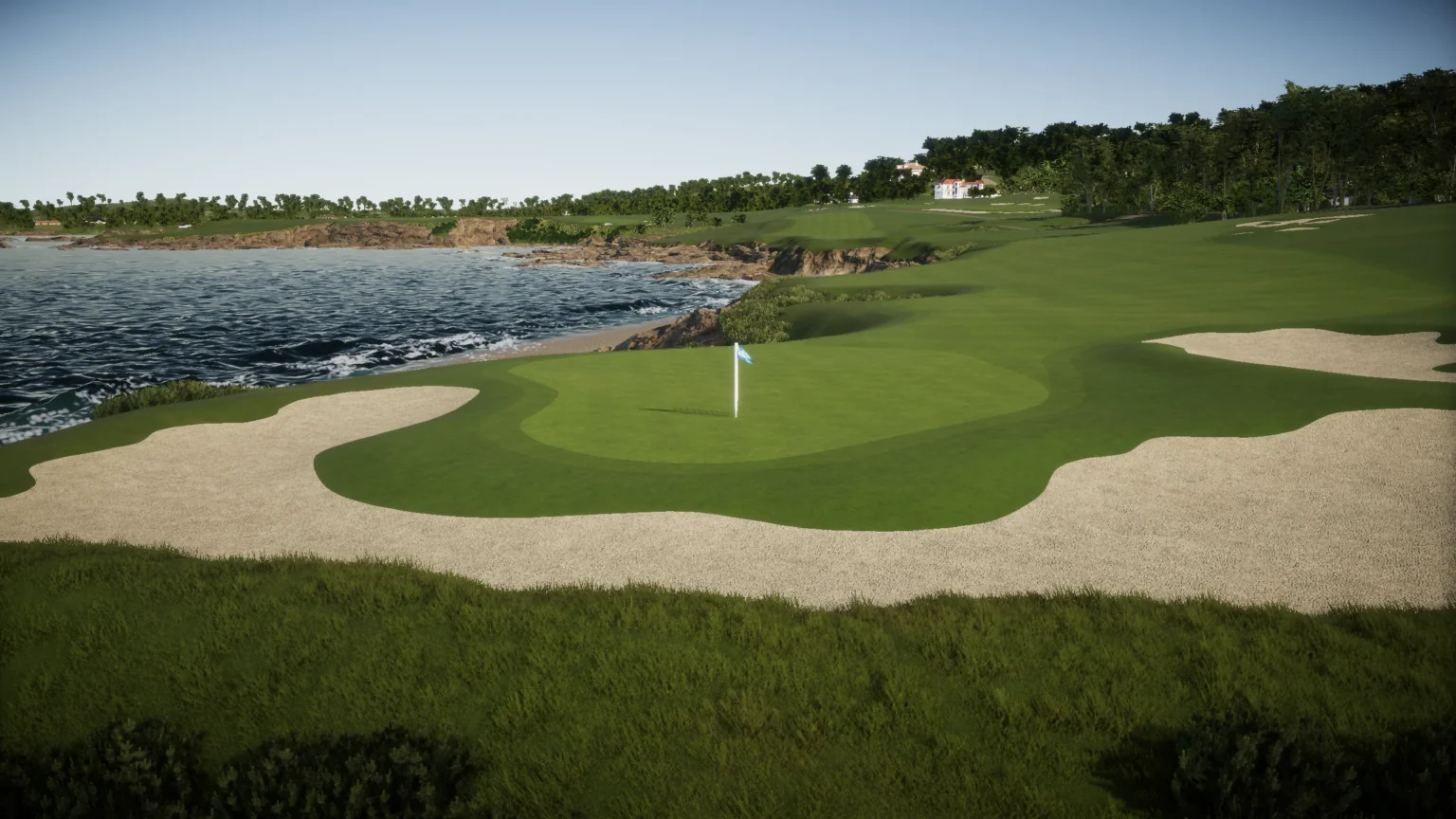
A custom golf simulator can do a lot more than let you play a round at Pebble Beach or work on your swing. With the right equipment and software, the same space can become a multisport arcade, home theater, practice area, or gathering place for family and friends.
For homeowners, this means getting more use out of a dedicated simulator room throughout the year. For businesses, it creates opportunities to offer customers something beyond traditional golf. Many of these features can be incorporated into a new installation or added to an existing setup, depending on the equipment.
Here are some of the ways a custom golf simulator can be used beyond playing a traditional round.
Multisport Games: Turn Your Golf Simulator Into an Arcade
One way to expand a golf simulator’s capabilities is by adding multisport games. With compatible tracking equipment and software, the impact screen can display a variety of interactive sports and arcade-style activities.
Depending on the system, players can enjoy:
- Baseball: Play home run derby-style games or practice pitching.
- Soccer: Take penalty kicks, work on passing, or compete in target challenges.
- Hockey: Shoot pucks toward virtual goals and test your accuracy.
- Football: Try quarterback challenges, passing games, and field goal competitions.
- Basketball: Take virtual shots and compete with friends.
- Bowling: Play interactive bowling games without needing a separate setup.
- Other arcade games: Options can include dodgeball, cornhole, disc golf, and target-based challenges.
For example, TruGolf’s MultiSport ARCADE offers a collection of interactive games that can be used alongside a golf simulator. A separate tracking camera captures the movement of different balls and game equipment, allowing players to switch between activities.
These options are especially appealing in homes where not everyone plays golf. Kids, friends, and family members can enjoy different activities without needing another dedicated recreation space.
Practice, Training, and Swing Improvement
A simulator is also a valuable practice space, even when you’re not playing a full round. Most software platforms include driving ranges, shot challenges, and practice modes that let golfers focus on specific parts of their game.
You can work on driving distance, dial in iron shots, practice approach shots, or compare performance between clubs. Launch monitor data provides measurements such as ball speed, launch angle, and spin, helping golfers better understand how they’re hitting the ball.
Some systems also support swing cameras that record a golfer from different angles. When paired with compatible software, the footage can be reviewed alongside shot data to identify areas for improvement.
Having these tools at home makes it easier to practice consistently without depending on weather, daylight, or access to an outdoor range.
Golf Lessons and Club Fitting
A properly equipped simulator room can also function as a private teaching or club-fitting space.
For instructors, launch monitor data offers another way to evaluate a player’s swing. Depending on the equipment, they can review measurements such as club path, face angle, ball speed, and launch conditions to better understand what is happening during a shot.
Club fitting is another useful application. Players can test different clubs, shafts, and configurations while comparing results in a controlled indoor environment. This makes it easier to evaluate equipment without worrying about weather or outdoor conditions.
For homeowners who regularly work with an instructor or enjoy testing new equipment, camera systems and more detailed tracking capabilities can make a simulator even more versatile.
Home Entertainment: Movies, Sports, and Gaming
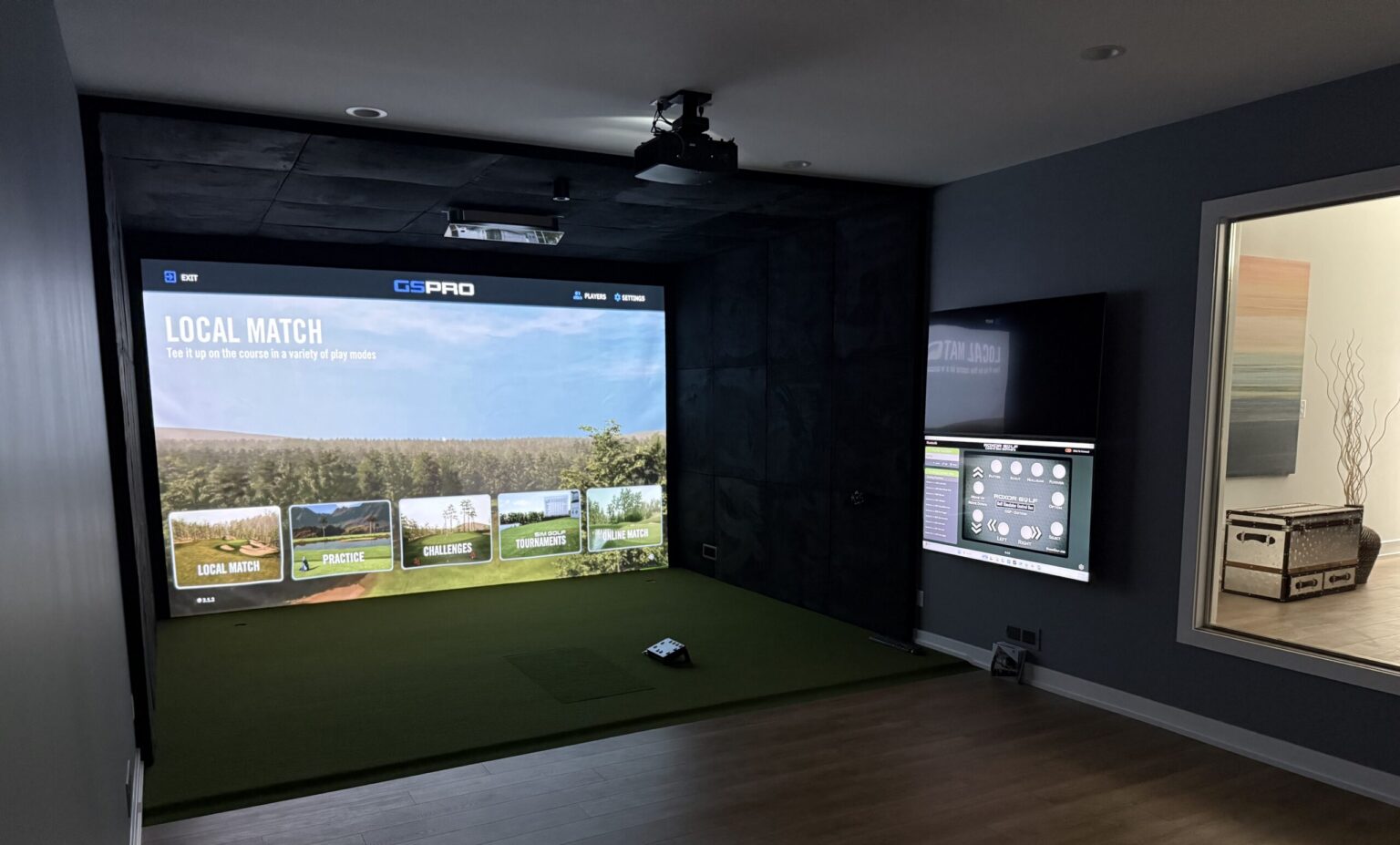
The projector and impact screen used for golf can also serve as a large entertainment display. With the right connections, your simulator room can double as a home theater for movie nights, live sporting events, television, and video games.
Watch Movies and Streaming Services
A compatible projector can display movies and television shows directly onto the simulator screen. Streaming devices such as Apple TV, Amazon Fire TV Stick, Roku, and Google TV can connect through HDMI, providing access to supported streaming services.
You can also connect a laptop or desktop computer, Blu-ray player, or compatible gaming console. This gives you several ways to watch content without installing a separate television in the room.
Watch Live Sports and Events
The large projection screen is also a great option for watching football, basketball, baseball, hockey, and other live sporting events. A streaming device, cable or satellite receiver, or compatible computer can display broadcasts through the projector.
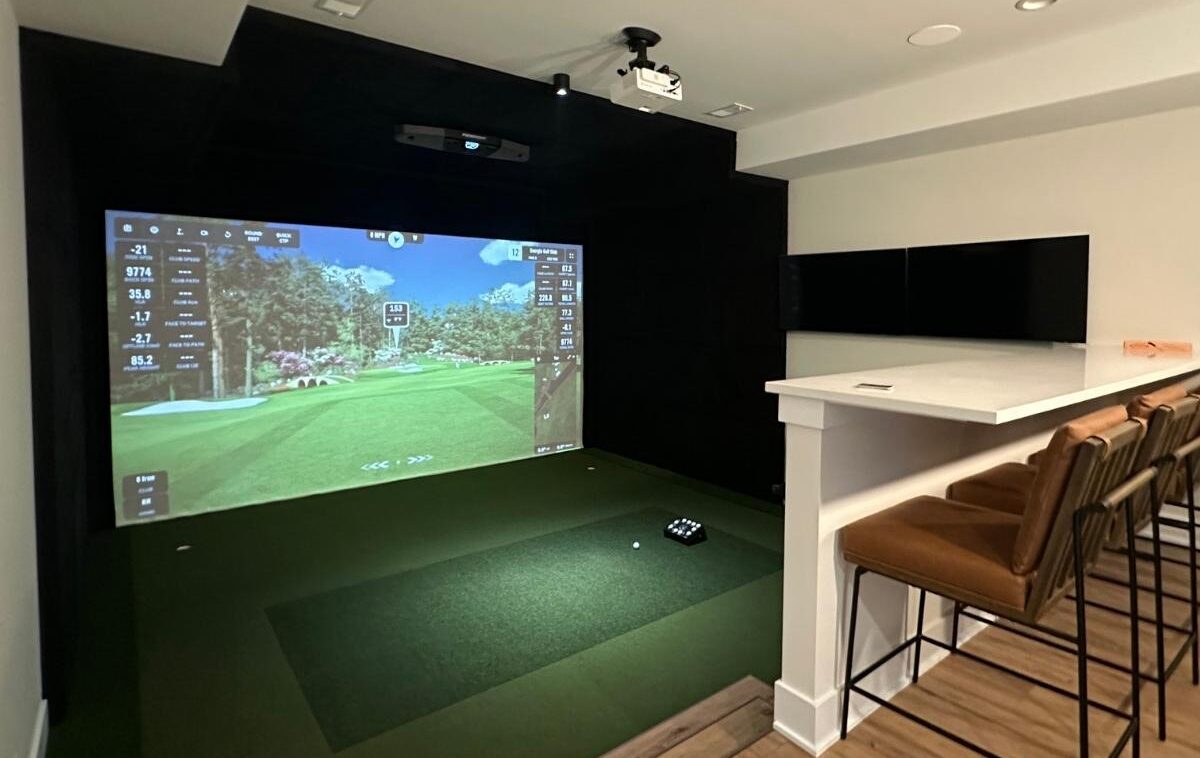
For homeowners who enjoy hosting friends, the room can become a natural place to gather for a big game. Seating behind the hitting area allows guests to watch while someone else plays.
Connect Gaming Consoles
PlayStation, Xbox, and Nintendo Switch consoles can connect to a compatible projector through HDMI, allowing players to enjoy video games on a much larger display.
This is separate from the interactive games included with some golf simulator software. Instead, it lets you use the room as a large-screen gaming setup for everything from sports games to multiplayer entertainment.
Build Out the Entertainment System
Additional equipment can make the room feel more like a dedicated home theater. Depending on the setup, this might include:
- Soundbar or surround sound speakers: Improve audio for movies, games, and sporting events.
- AV receiver: Connect and manage multiple audio and video sources.
- HDMI switch: Easily switch between the golf computer, streaming device, and gaming console.
- Comfortable seating: Add recliners, a sectional, or a dedicated viewing area.
- Lighting controls: Use dimmable or adjustable lighting for different activities.
- Secondary television: Provide another viewing option or display additional information.
For more information, see BenQ’s guide to golf simulator and home theater connections.
A few design details are worth considering. Golf simulator screens and projectors are often selected around the dimensions of the hitting area, which may not match a standard widescreen movie format. Projector brightness, resolution, image proportions, and seating placement can all affect the viewing experience. Planning for both uses from the beginning helps create a setup that works well for golf and entertainment.
Commercial Uses: More Than Just an Indoor Golf Facility
For businesses, a golf simulator can create more opportunities to bring customers through the door. The space doesn’t have to be limited to golfers or traditional tee-time bookings.
Restaurants, sports bars, entertainment venues, hotels, country clubs, and corporate offices can all use simulator technology in different ways.
Sports Bars and Entertainment Venues
Multisport games and interactive challenges give customers more activities to enjoy during a visit. Businesses can organize competitions, group events, or themed game nights that appeal to people who may not normally book a golf simulator.
Corporate Offices and Team Events
A simulator provides an interactive activity for employee gatherings, client entertainment, and team-building events. Golf challenges and friendly competitions make it easy to involve people with different experience levels.
Hotels, Clubs, and Residential Amenities
A simulator can be an added amenity for guests, members, or residents. In a hotel or residential development, it provides an indoor recreational option that can be enjoyed regardless of the weather.
Golf Facilities and Country Clubs
Existing golf businesses can use simulators for lessons, club fitting, off-season practice, leagues, and member entertainment. Multisport games can also make the space more appealing to families and groups.
The best features for a commercial installation depend on the type of business, available space, and customers it wants to attract. A facility focused on instruction may need different equipment than a sports bar or entertainment venue.
Can You Add More Features to an Existing Golf Simulator?
In many cases, yes. A simulator doesn’t have to be designed for only one purpose. Depending on the existing equipment, additional features can often be incorporated later.
For example, a multisport tracking system may be installed alongside an existing golf simulator. Swing cameras, additional software, upgraded projection, and entertainment equipment can also expand what the room offers.
Before adding equipment, consider a few things:
- Equipment compatibility: Some accessories work independently, while others require specific launch monitors, computers, or software.
- Available space: Additional activities may need clear floor space or different mounting locations.
- Screen and enclosure: The screen needs to be suitable for the activities being played.
- Computer and software requirements: Certain features may require additional processing power, software licenses, or subscriptions.
- Audio and video connections: Multiple devices may require additional HDMI inputs, audio connections, or an AV receiver.
If you’re planning a new installation, it’s worth considering future additions upfront. Even if you don’t intend to use every feature right away, leaving room for upgrades can make them easier to incorporate later.
Designing a Simulator Room Around Your Needs
A simulator’s layout and equipment should reflect how the space will be used. A room intended primarily for golf practice may prioritize launch monitor placement, hitting area dimensions, and performance tracking. A multipurpose entertainment space may need additional seating, flexible lighting, audio, and room for other activities.
The available space also plays a role. Some homeowners install simulators in existing basements, garages, or pole barns, while others build a dedicated room as part of a new construction project. Each presents different considerations for ceiling height, layout, electrical needs, and equipment placement.
Before selecting equipment, think about who will use the room and what you want it to accomplish. Will it primarily be used for golf? Will family and friends use it for other games? Do you want a home entertainment space that can also function as a golf simulator?
These decisions help determine which equipment and additional features make the most sense for your installation.
Frequently Asked Questions
Can you play other sports on a golf simulator?
Yes. With compatible multisport equipment and software, some golf simulator setups can also support games such as baseball, soccer, hockey, football, basketball, bowling, and more. The available activities depend on the system and accessories.
Can a golf simulator be used as a home theater?
Yes. The projector and impact screen can often display movies, television, sporting events, and video games. A streaming device, laptop, Blu-ray player, or compatible gaming console can connect to the projector, while a soundbar or surround sound system provides audio.
What devices can connect to a golf simulator projector?
Many projectors accept HDMI connections from devices such as Apple TV, Roku, Amazon Fire TV, Google TV, laptops, desktop computers, Blu-ray players, PlayStation, Xbox, and Nintendo Switch. Exact compatibility depends on the projector and connected equipment.
Can you watch live sports on a golf simulator screen?
Yes. A compatible streaming device, cable or satellite receiver, or computer can display live sports and other broadcasts through the projector.
Can you use a golf simulator for practice and lessons?
Yes. Many simulator systems include driving ranges, practice modes, shot data, and performance tracking. Compatible swing cameras can also record video for review with a golf instructor.
Can you add multisport games to an existing golf simulator?
In many cases, yes. Some multisport systems use separate tracking cameras and can be added to an existing simulator structure. Compatibility, available space, and software requirements should be checked before purchasing.
Do you need a large room for a multipurpose golf simulator?
Not necessarily, but the room needs to accommodate the golf hitting area and any additional activities you want to include. A setup with multisport games, seating, or other entertainment features may require more space than a golf-only installation.
Are custom golf simulators only for serious golfers?
No. While launch monitor data and practice features are useful for experienced players, simulator rooms can also be designed around family entertainment, casual games, and social gatherings. The equipment and software can be selected based on the people who will use the space.
Can a commercial golf simulator be used for more than golf?
Yes. Businesses can incorporate multisport games, interactive challenges, lessons, club fitting, leagues, and group events. The best features depend on the type of business and the experience it wants to offer.
Posted in Custom Installation
Recent Posts

Let's Get Started
Meet Our team
From your first call to the final install, you'll be working directly with the team building your space and sourcing your equipment.
Request Custom Installation
“*” indicates a required field.